5 processes every company should automate first
Which business processes to automate first, how to spot them, and how to count what they cost you today.
It is the work around the work.
Ask anyone on your team what they did yesterday, and you will hear it. “I copied the orders into the ERP.” “I answered the same question about holidays three times.” “I chased two approvals by email.” None of this is real work. It is the work around the work, and it quietly eats hours every week.
The good news: you don’t need a big IT project to fix it. Most companies get the fastest results by automating a few small, boring processes first. This guide shows you which ones, how to spot them in your own company, and how to work out what they cost you today.
The test
How to spot a process worth automating.
A process is a good first candidate when it ticks three boxes. If a task ticks all three, a person should not be doing it.
It repeats
It happens every day or every week, not once a quarter.
It follows rules
The same input always leads to the same steps. Nobody has to make a judgment call.
It moves information
Someone copies, checks, forwards or retypes data from one place to another.
Your numbers
What does one repetitive task cost you?
Put in your own numbers. The result updates as you type.
Add an hourly cost to see it in €
Based on 46 working weeks a year.
Book a free process auditMoving data between systems.
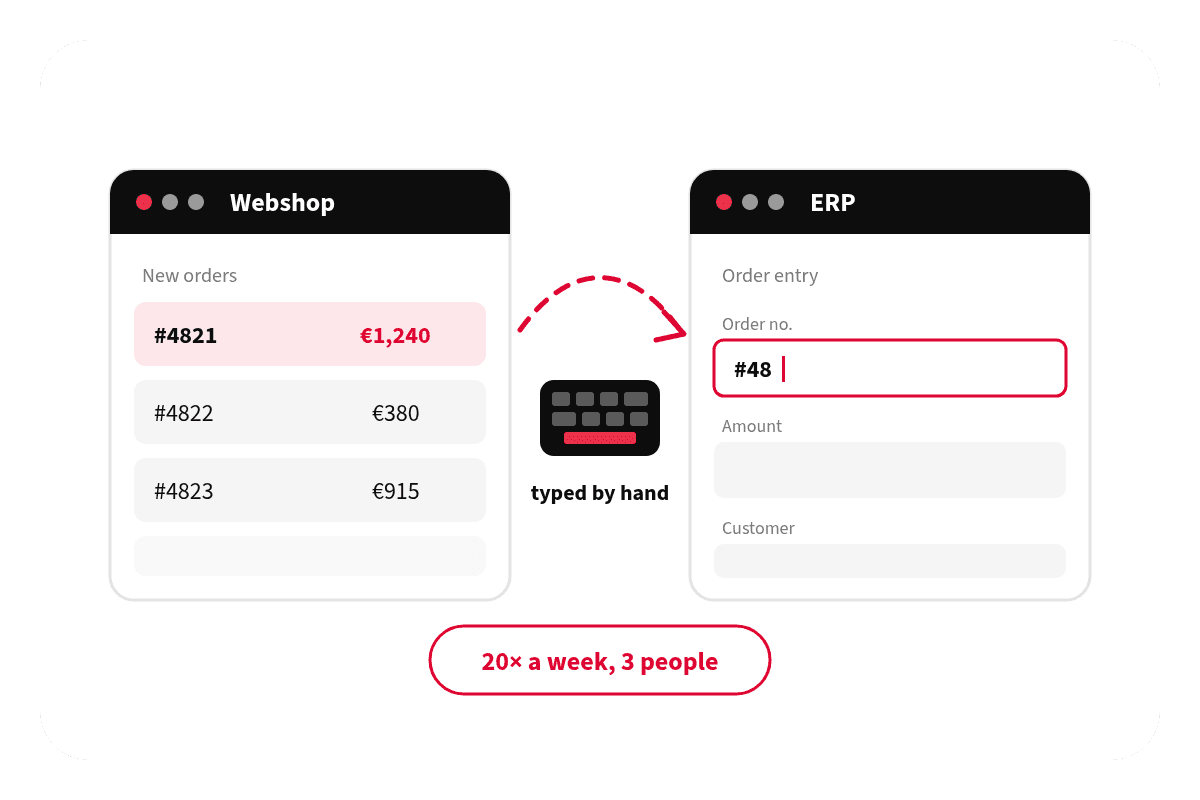
Orders come in through the webshop and someone types them into the ERP. A customer changes their address in one system, and someone updates three others. This is the most common time sink we see, and the easiest to fix, because the systems usually already have ways to talk to each other.
For Trezal, a B2B business with more than 10,000 partners, orders used to arrive in Excel. We built one platform that handles tiered pricing, the warehouse and the ERP connection, so orders no longer pass through anyone’s spreadsheet.
Invoices and documents.
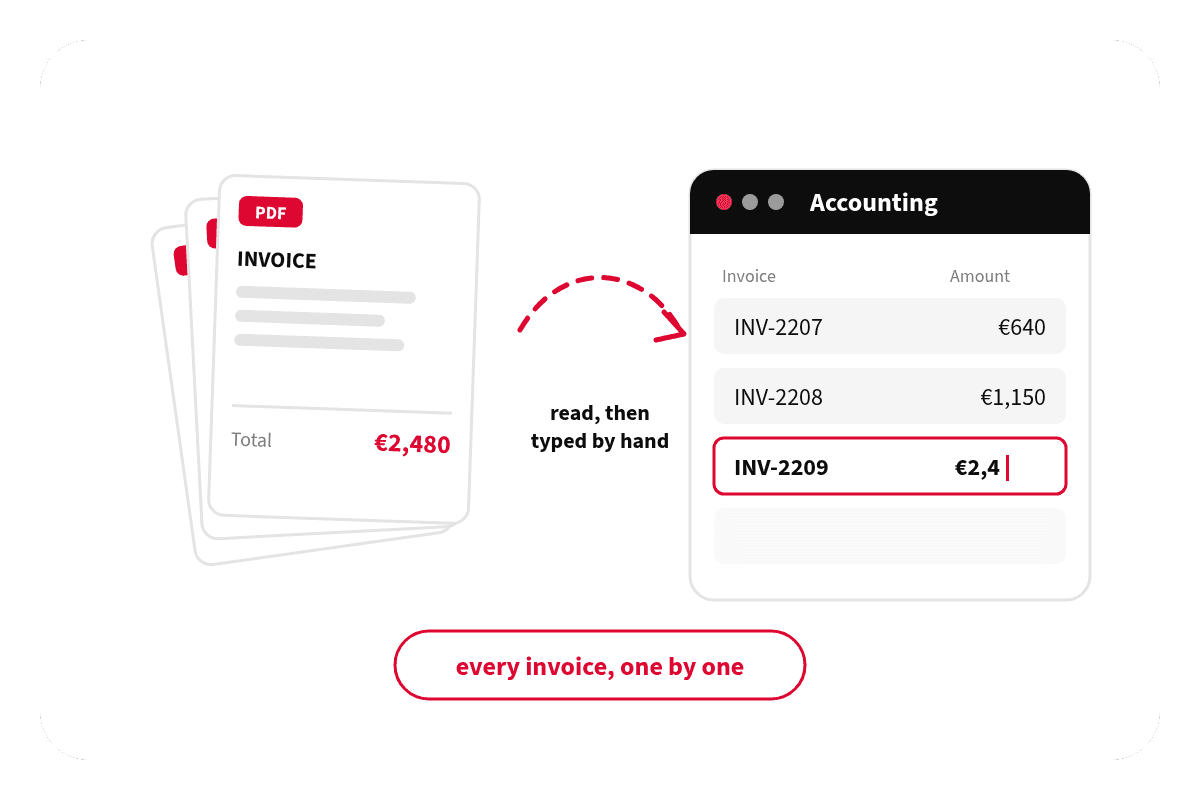
Invoices, delivery notes, contracts and forms arrive as PDFs and emails. Someone opens each one, reads it, types the numbers into a system and files it. Today, software can read these documents, pull out the data, check it and send it where it belongs. People only look at the cases that don’t match.
Answering the same questions again and again.
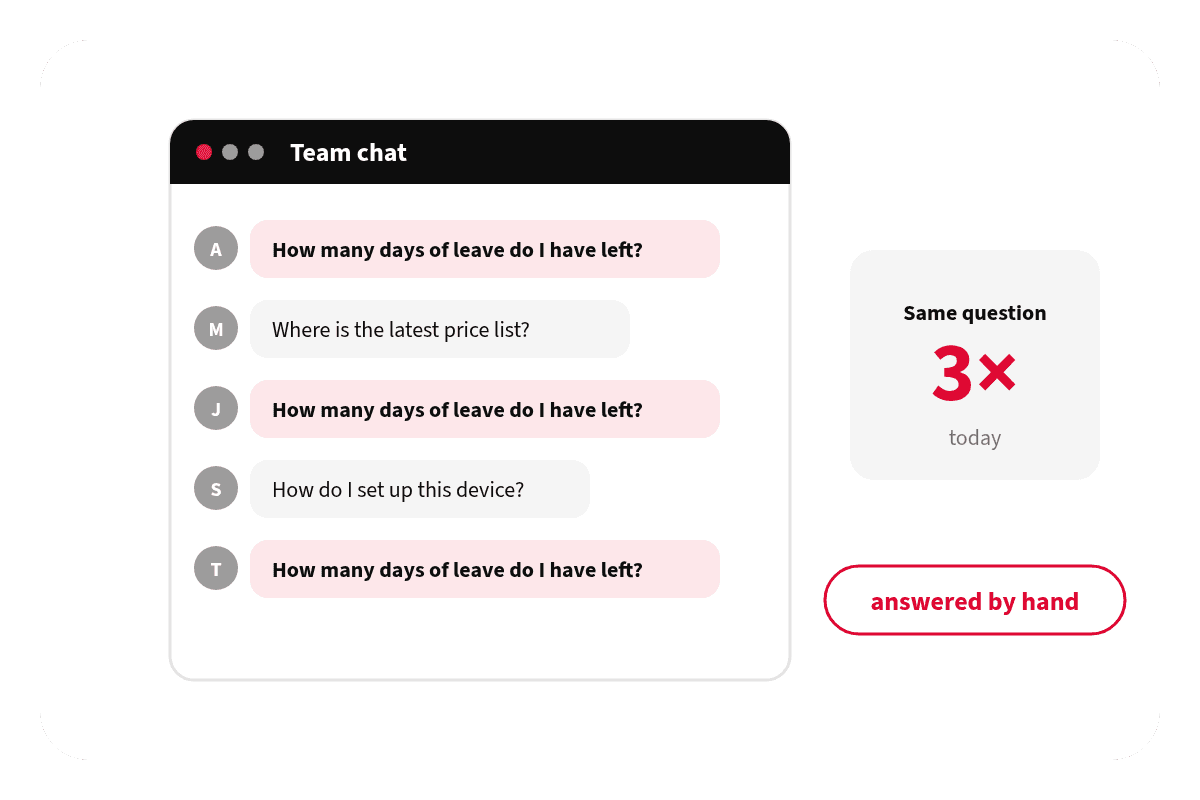
How many days of leave do I have left? Where is the latest price list? How do I set up this device? Every company has a few people who spend part of every day answering questions that a system already knows.
For KortexWiki, we built a knowledge base that answers these questions directly. The result: 80% fewer routine questions and 50% less time lost. For PIERRE, a smart building system, the same approach gives users the answer in seconds, in their own language, without opening a support ticket.
Approvals and follow-ups.
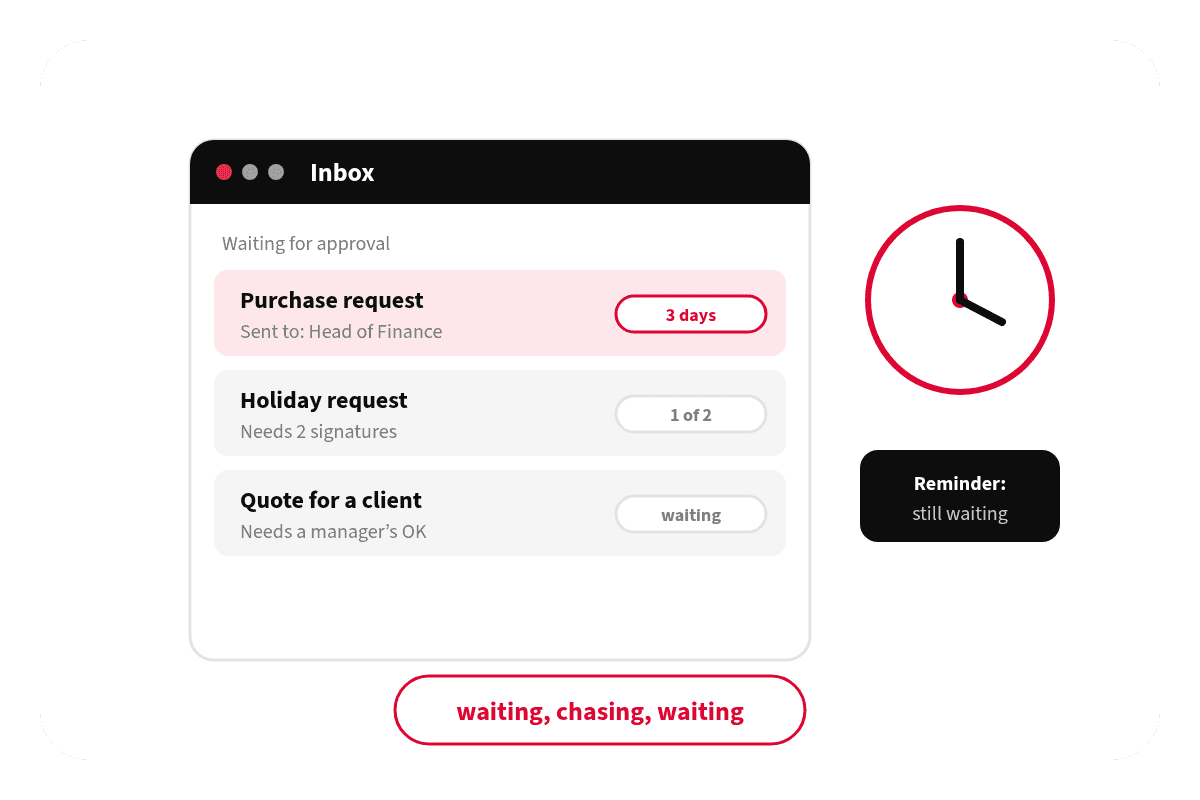
A purchase request waits in someone’s inbox. A holiday request needs two signatures. A quote needs a manager’s OK before it goes out. Each step is simple, but the waiting and chasing are not. An automated approval flow sends the request to the right person, reminds them, and moves on as soon as they click yes.
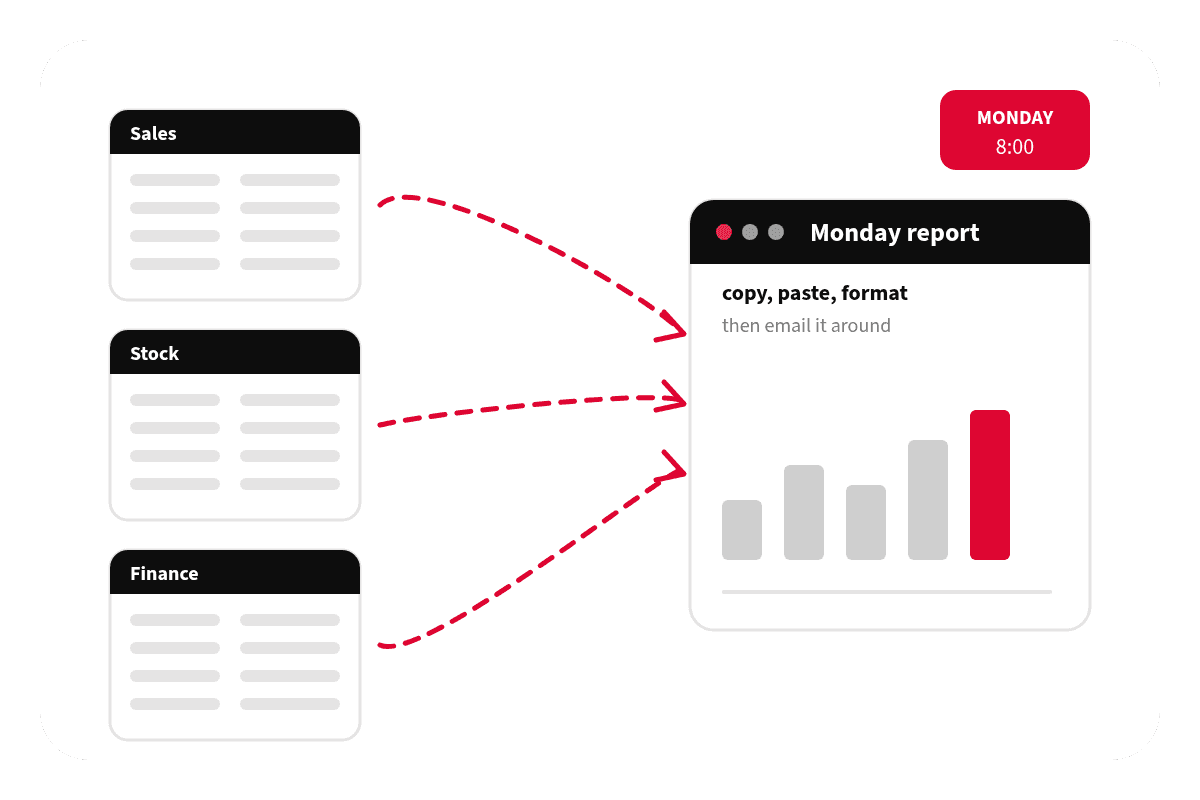
Recurring reports.
Every Monday, someone exports data from three systems, pastes it into a spreadsheet, formats it and emails it around. By the time people read it, the numbers are already old. A dashboard that updates itself does the same job every minute, without anyone touching it.
For Zadi, two companies running alarm and fleet teams, we replaced a set of spreadsheets with one field service platform for the whole team.
Careful
What not to automate first.
Some processes look tempting but are poor first choices. Start where the rules are clear and the volume is high. The quick wins pay for the harder projects later.
Work that needs real judgment
Like negotiating with a key customer.
Tasks that happen rarely
Tasks that happen only a few times a year.
Processes still in motion
Processes that are still changing every month.
Step by step
How to start.
List the repetitive tasks in one team
Ask the people who do them, they know.
Count the hours
Use the calculator above.
Pick one process
The one with the most hours and the clearest rules.
Automate it, measure the result
Then move to the next one.
Need help with the first two steps?
That is exactly what our free process audit does. In a few short sessions we map how your work actually runs, show you where the hours go, and tell you which processes are worth automating first, with the cost laid out before anything is built.
Read more about our business process automation services, or book your free process audit.
Studio Present